---
agentTools:
projectIndex: https://chimoney.readme.io/llms.txt
---
# Sandbox Environment 🚀
## Working With Developer API Sandbox Env
Ready to explore Chimoney API? Let's set up your Sandbox environment!
> 🚧 Sandbox API URL
>
> [Sandbox.Chimoney.io](https://sandbox.chimoney.io/)
1. Sign up for your sandbox environment **[here](https://sandbox.chimoney.io/).**
```
Account is funded with $1000(10000 Chimoney) of test amount
```
1. Click on the **`Organizations tab`**on the dashboard.
2. Create an **`Organization/Team`**
3. Finally, click on the **`Developers tab`** to create an app and use the API keys to access the sandbox endpoints.
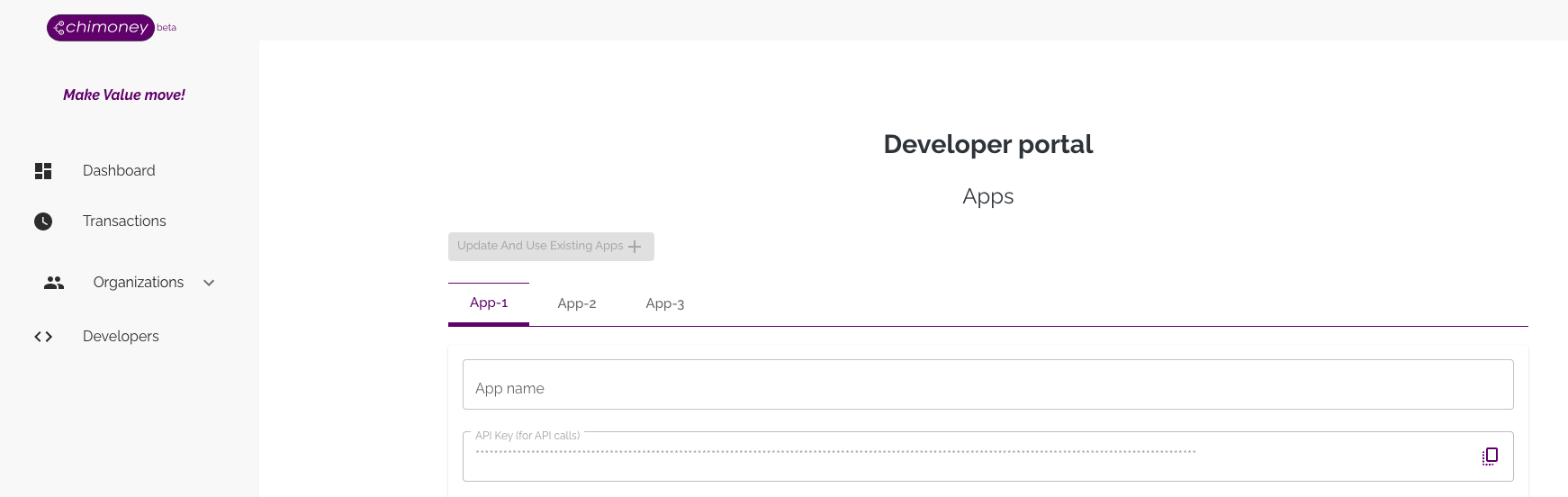
* **[Watch this video](https://www.loom.com/share/436303eb69c44f0d9757ea0c655bed89?sid=b6a0f661-721c-4731-9873-ae6f2d25780)** on how to get started with the Chimoney Sandbox.
> 🚧 ## Testing on the API Docs
**To test the API endpoints directly on the docs, just follow these steps:**
1. Copy your `API-KEY` from the Developers tab and paste it on the `Authorization Header`
[block:image]
{
"images": [
{
"image": [
"https://files.readme.io/e9ea32d-Screenshot_from_2024-02-05_12-24-44.png",
"",
""
],
"align": "center"
}
]
}
[/block]
2. Switch the Base URL to the sandbox version.
```
If testing in production then use the first URL
```
[block:image]
{
"images": [
{
"image": [
"https://files.readme.io/52e1757-Screenshot_from_2024-02-05_12-20-06.png",
"",
""
],
"align": "center"
}
]
}
[/block]
## Need Assistance?
Contact `support@chimoney.io` to ask questions and also book a call for a \*\*[demo ](https://www.chimoney.io/book-a-demo) \*\*.